

Home · Computer Repair
Computer Repair Services for Laptops, Desktops & MacBooks
Serving homeowners and small businesses throughout Oakville, Burlington, Milton, Mississauga, and the GTA
Is your laptop running slowly? Has your desktop stopped working? Is your MacBook displaying startup errors, battery problems, or performance issues? IntegrityTeks delivers simple, stress-free solutions to keep your technology running smoothly.
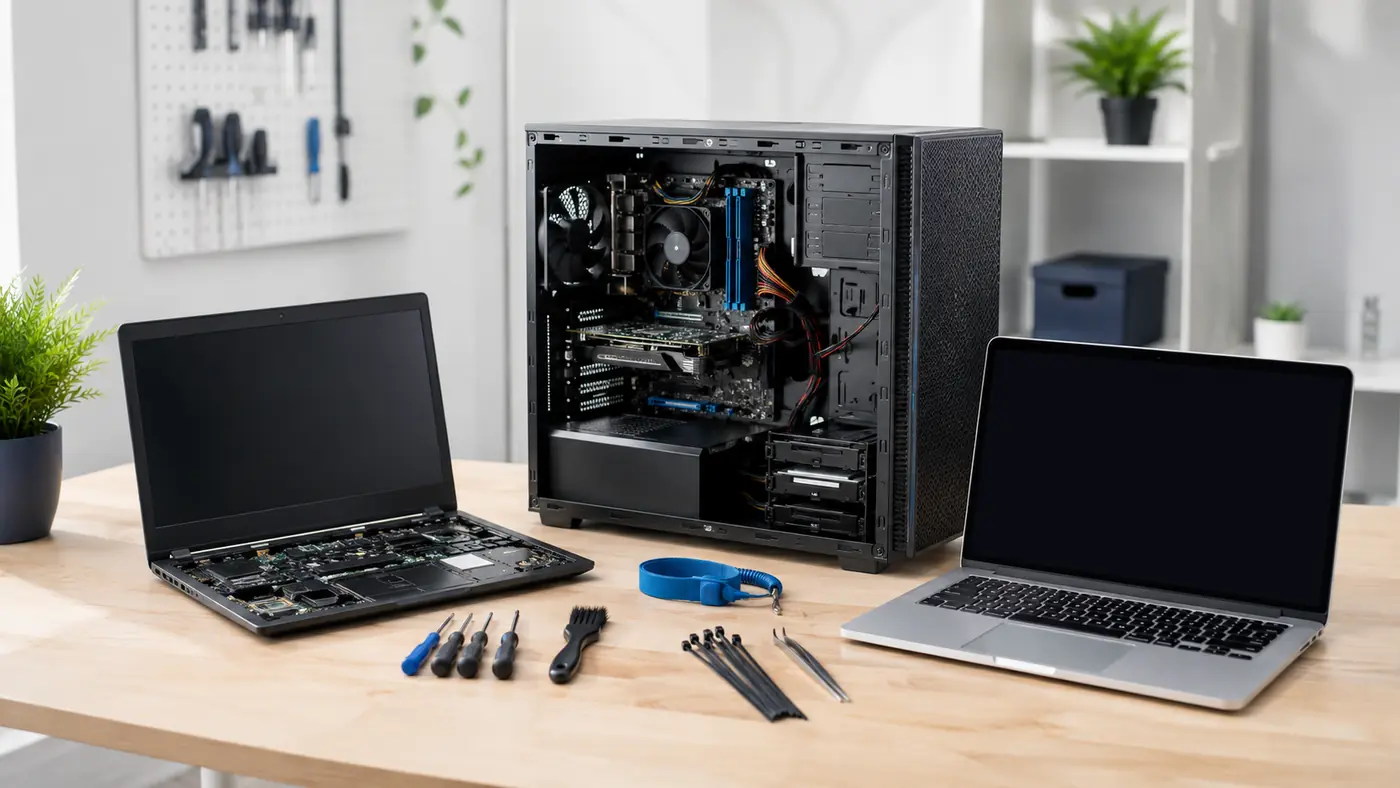
IntegrityTeks provides professional laptop repair, desktop repair, and MacBook support services throughout Oakville, Burlington, Mississauga, Milton, and the Greater Toronto Area.
We provide reliable computer repair and IT support for homeowners and small businesses, helping you quickly diagnose computer problems, improve system performance, recover lost data, and extend the life of your devices.
Whether your computer is running slow, crashing, or not working as it should, we deliver simple, stress-free solutions to keep your technology running smoothly. Call today to schedule computer repair service or request a comprehensive diagnostic assessment.
Common problems
Common Computer Problems We Solve
Many computer issues start small and become major disruptions if left unresolved. We regularly help clients with:
- Slow laptops and desktops
- Computers that won’t start
- Blue screen errors
- MacBook startup problems
- Overheating computers
- Battery failures
- Broken laptop screens
- Charging port issues
- Wi-Fi connectivity problems
- Virus and malware infections
- Data recovery requirements
- Hard drive failures
- Microsoft Windows errors
- macOS performance issues
Our technicians identify the root cause of the problem and recommend practical solutions that fit your needs and budget.
Laptop Repair Services
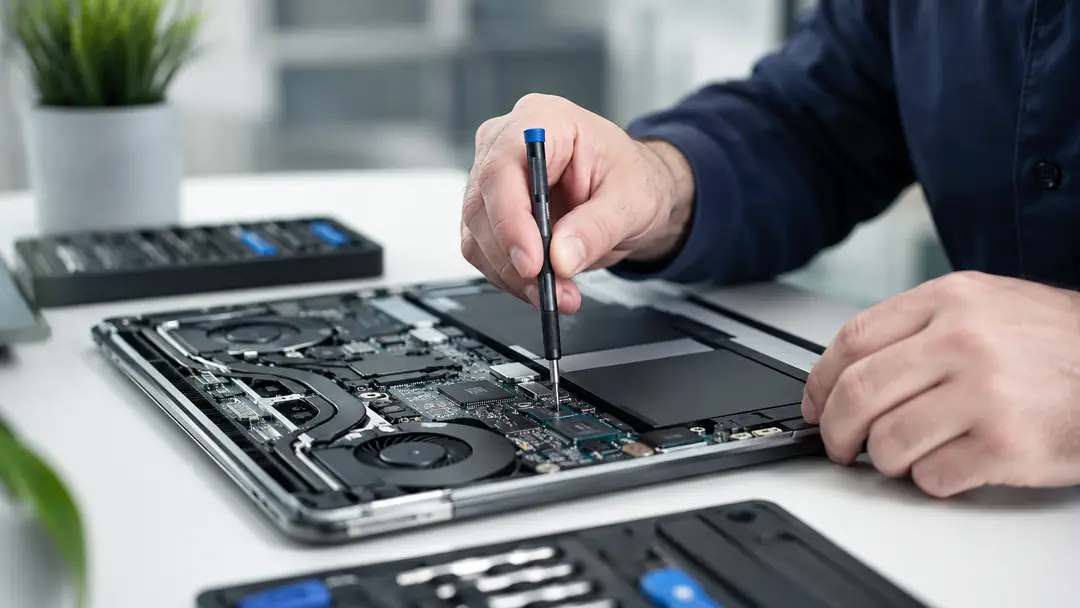
Professional Laptop Diagnostics and Repair
A failing laptop can impact productivity, communication, and business operations. IntegrityTeks provides laptop repair services for Dell, HP, Lenovo, ASUS, Acer, Samsung, and MSI laptops.
- Screen replacement
- Battery replacement
- Charging port repair
- Keyboard repair
- Cooling fan cleaning & repair
- Motherboard diagnostics
- HDD & SSD upgrades
- Memory upgrades
- Virus removal
- Operating system repair
- Data recovery
Whether your laptop is used for work, school, or personal use, we’ll help restore performance and reliability.
Desktop Computer Repair Services
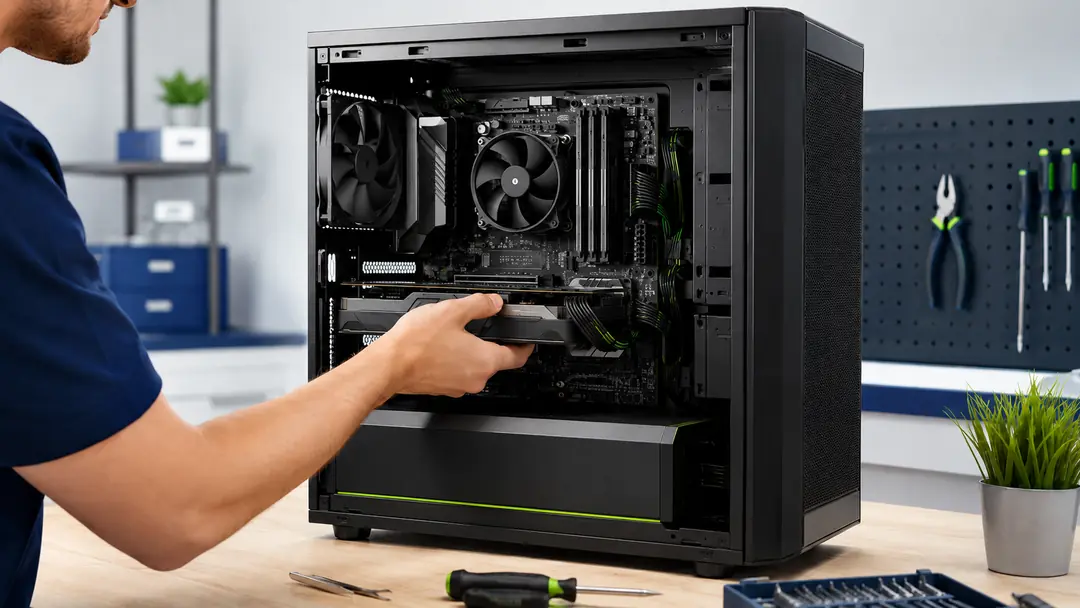
Desktop Troubleshooting and Hardware Repair
Desktop computers remain the backbone of many businesses and home offices. Our desktop repair services include:
- Computer won’t power on
- Slow system performance
- Hardware diagnostics
- Hard drive / SSD replacement
- Solid State Drive upgrades
- Memory upgrades
- Power supply replacement
- Motherboard troubleshooting
- Windows repair and recovery
- Data backup solutions
We focus on repairing and upgrading systems whenever it makes financial sense before recommending replacement.
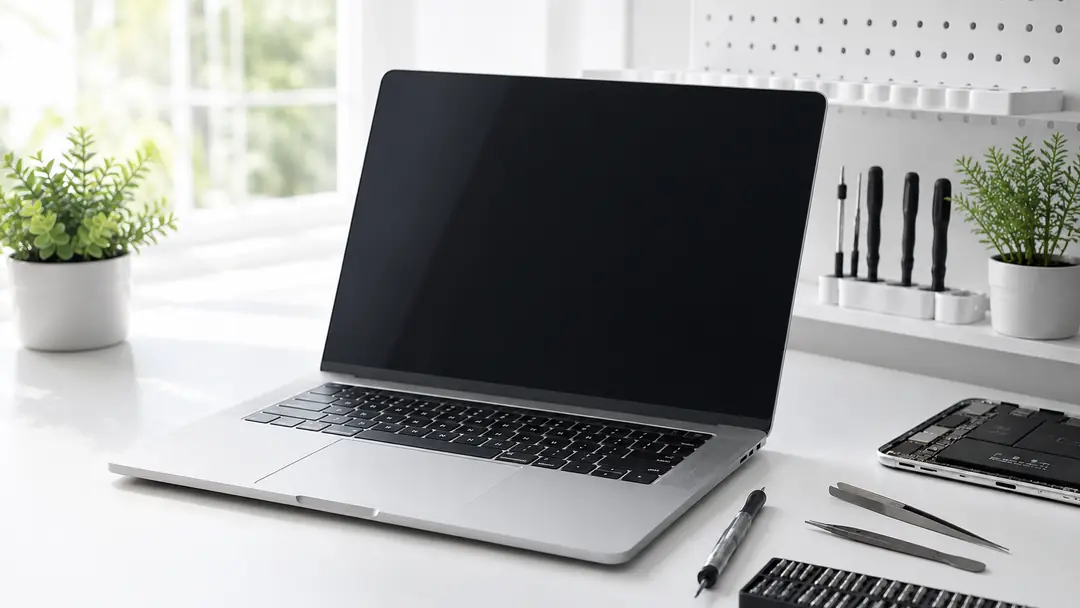
MacBook Repair and Apple Computer Support
MacBook Repair Services in Oakville
MacBooks are powerful business tools, but they can develop performance, storage, and startup issues over time. IntegrityTeks provides support for MacBook Air, MacBook Pro, iMac, and Mac Mini.
Common MacBook Problems We Resolve
- Slow MacBook performance
- macOS issues
- Startup failures
- Storage problems
- Application crashes
- Data migration
- Backup configuration
- Email issues
- Wireless connectivity problems
We help Apple users maximize performance while protecting important data.
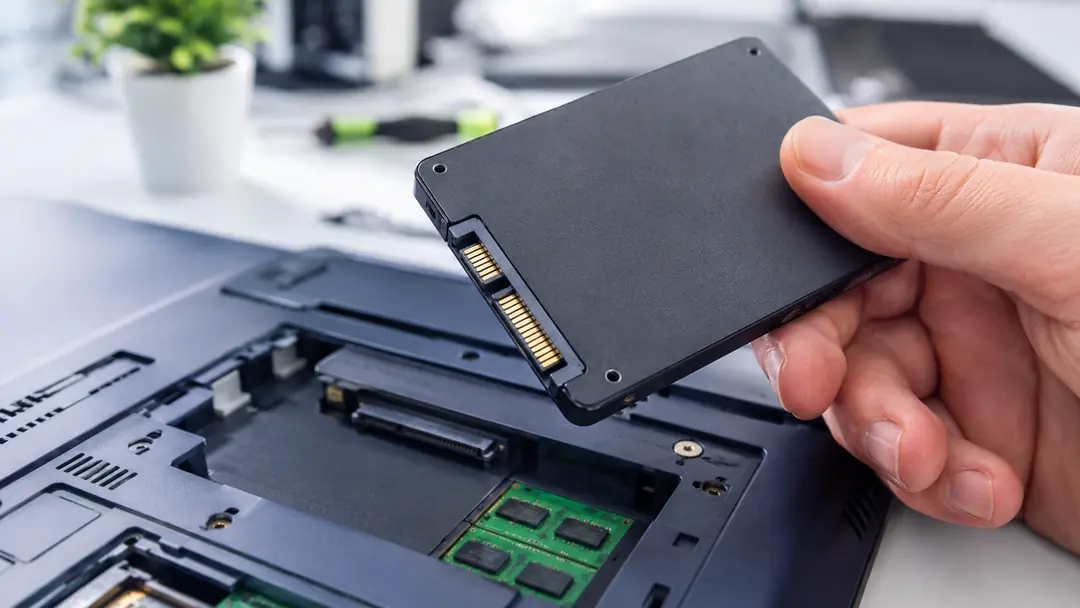
SSD Upgrades
One of the Best Computer Performance Improvements
Many slow computers don’t need replacement. An SSD upgrade can dramatically improve:
- Startup speed
- Application loading times
- File access speed
- Overall system responsiveness
For many clients, an SSD upgrade provides the biggest performance improvement for the lowest cost.
PERFORMANCE
Computer Performance Optimization
Not all slow computers are infected. Many performance problems are caused by software conflicts, aging systems, startup overload, storage issues, or operating system errors.
Our performance optimization services include:
System Cleanup
Removal of temporary files, unnecessary software, and background processes that reduce performance.
Startup Optimization
Reducing unnecessary startup applications to improve boot times and system responsiveness.
Operating System Optimization
Configuration adjustments that improve speed, stability, and overall performance.
Storage Analysis
Identification of storage bottlenecks, disk issues, and space management problems.
Software Troubleshooting
Resolving application conflicts, crashes, and software-related performance issues.
Hardware Assessment
Evaluation of memory, storage, and hardware components that may be limiting performance.
Windows Performance Tuning
Optimization of Windows settings to improve reliability and efficiency.
Computer Cleanup Services
Home users rely on their computers for banking, communication, education, entertainment, and personal records. We help residential clients:
- Remove viruses and malware
- Improve computer speed
- Secure personal information
- Restore system stability
- Resolve browser issues
- Clean up unwanted software
- Improve startup performance
- Protect against future threats
Related services
Security & Data Recovery Support
Virus Removal & Computer Security
Viruses, malware, and ransomware can compromise business operations and personal data. We remove threats and harden your systems with security assessments, endpoint protection, and backup strategy. We don’t just remove threats. We help prevent future incidents.
Data Recovery
Lost files from a hard drive failure, accidental deletion, Windows corruption, a MacBook issue, or a failed upgrade? We assess recovery options and migrate recovered data to a secure location.
Why IntegrityTeks
Why Homeowners & Businesses Choose IntegrityTeks
Unlike repair shops that focus only on fixing devices, IntegrityTeks combines computer repair expertise with business IT experience.
Fast diagnostics
Clear recommendations
Business-focused solutions
Data protection considerations
Long-term reliability improvements
Local service throughout Oakville and surrounding areas
Our goal is not just to repair computers, but to reduce downtime and improve productivity.
How it works
Simple, Transparent Computer Repair
Getting your computer repaired shouldn’t be complicated. Our process is designed to be straightforward, efficient, and stress-free from start to finish.
1
Bring In Your Device
Bring your laptop, desktop, or MacBook to IntegrityTeks for assessment. Whether you’re experiencing hardware failures, software issues, slow performance, or startup problems, we’ll begin by understanding the symptoms and how the issue is affecting you.
2
Comprehensive Diagnostic Assessment
Our technicians perform a comprehensive diagnostic evaluation to identify the root cause of the problem. We inspect hardware, software, operating systems, storage devices, and performance-related issues to ensure nothing is overlooked.
3
Receive a Clear, Upfront Quote
Before any repair work begins, you’ll receive a detailed explanation of the issue along with a transparent quote. No hidden fees, no surprise charges, and no work performed without your approval.
4
Professional Repair & Testing
Once approved, we complete the repair using quality components and industry best practices. Every device undergoes testing to verify that the issue has been resolved and the system is operating properly.
5
Pick Up Your Device with Confidence
When your repair is complete, we’ll review the work performed and answer any questions you may have. Your device leaves fully tested, optimized, and ready to get back to work.
Service areas
Local computer repair, wherever you are
On-site visits across Halton and Peel, plus remote support anywhere.
FAQ
Frequently Asked Questions
How much does computer repair cost?
Costs vary depending on the issue. We provide diagnostics and recommendations before proceeding with repairs.
Is it worth repairing a laptop?
Many laptops can be restored with SSD upgrades, battery replacements, or operating system repairs at a fraction of the cost of replacement.
Do you repair MacBooks?
Yes. We provide troubleshooting, performance optimization, data migration, and repair services for MacBook and Apple computers.
Can you recover files from a failed hard drive?
In many cases, yes. Recovery success depends on the nature and severity of the drive failure.
Need Help? Book Your Computer Repair
Contact IntegrityTeks today to schedule a diagnostic assessment and discover why homeowners and businesses across Oakville, Burlington, Milton, Mississauga, and the GTA trust us for reliable computer repair services.